Separate data migration from operating migration
Contacts, companies, deals, pipelines, custom fields, emails, notes and tasks can be moved through the supported importer. That does not automatically reproduce forms, automations, scoring, permissions, reports or every object relationship.
Inventory both layers. A clean data transfer can still fail as a business migration if the team loses the process it relies on.
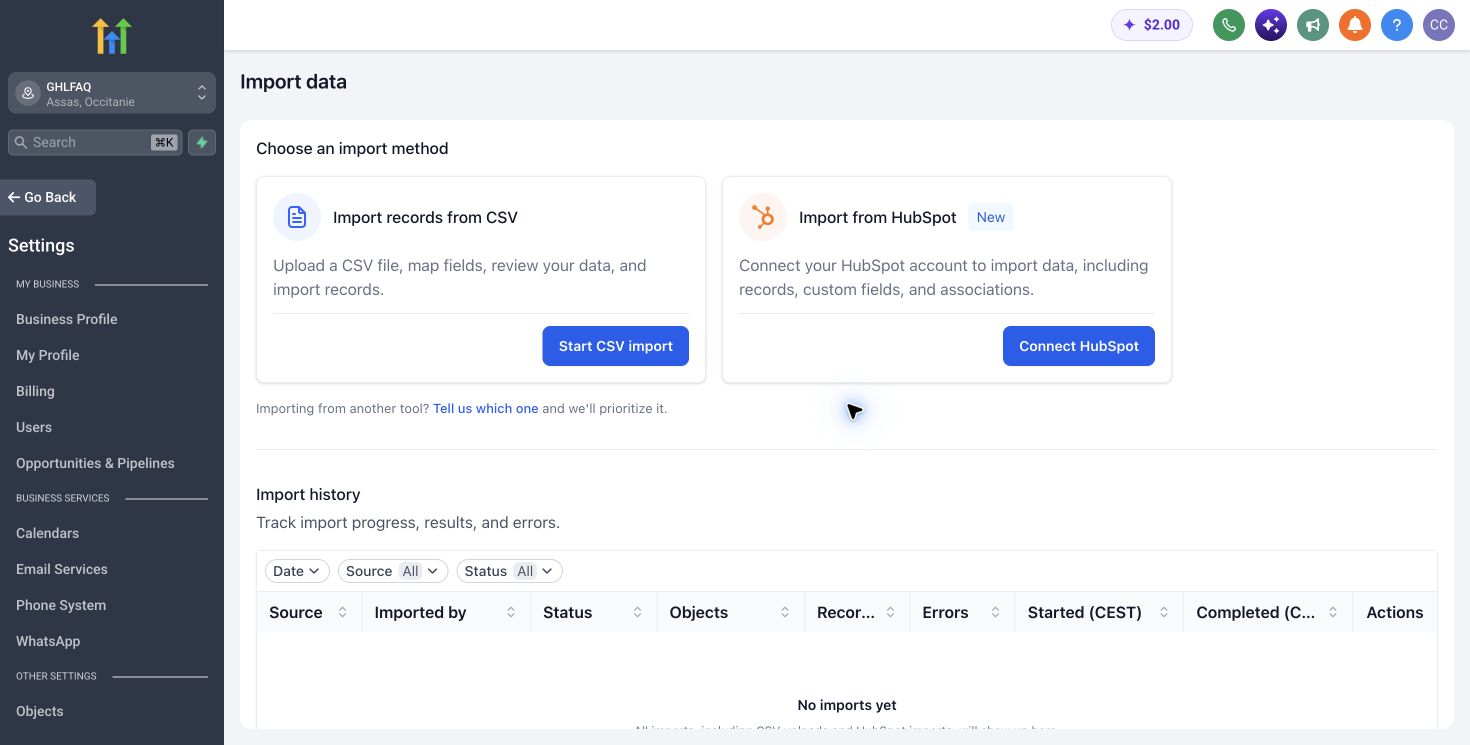
Pilot with a representative slice
Choose one pipeline, a limited contact set and examples containing custom properties and associations. Import into a new location, compare record counts and review warnings before any production cutover.
The official guidance recommends a clean account where possible and careful review of duplicates and associations. Preserve the source export and the importer report.
Rebuild only the workflows that earn their place
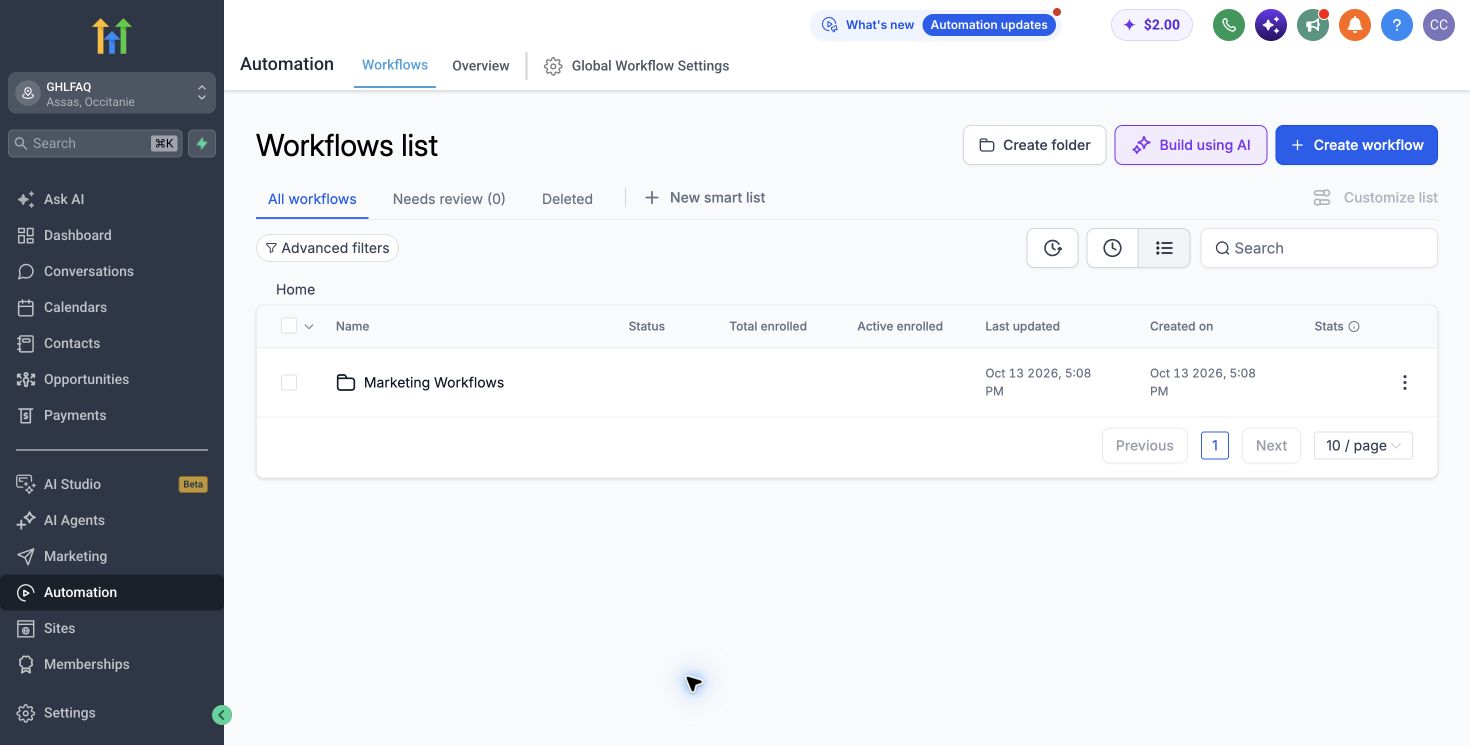
Do not recreate every historical automation. Map each current workflow to an owner, a trigger, an outcome and recent usage. Retire abandoned logic before the move.
Build and test high-value journeys first: lead routing, appointment follow-up, opportunity updates and customer notifications.
Use explicit cutover and rollback criteria
Define the freeze window, final delta import, DNS or form changes, operator training and the condition that would send the team back to HubSpot temporarily. Keep both systems available only for a defined period.
A migration is complete when operators can execute the new process and the old system is no longer the hidden source of truth.
Primary sources
Pricing and product scope change. We verify commercial facts against official pages before each update.
Bottom line