The plan is only the starting line
HighLevel separates platform access from many costs created by real activity. Messaging, calls, phone numbers, AI and selected premium products can draw from the wallet or add a recurring fee.
That structure is useful because agencies can align usage with clients. It also means a headline price is not a complete budget. Model your active sub-accounts and expected usage before choosing a plan.
- Plan subscription
- Usage and wallet spend
- Recurring add-ons
- Migration and setup
- Specialist tools you retain
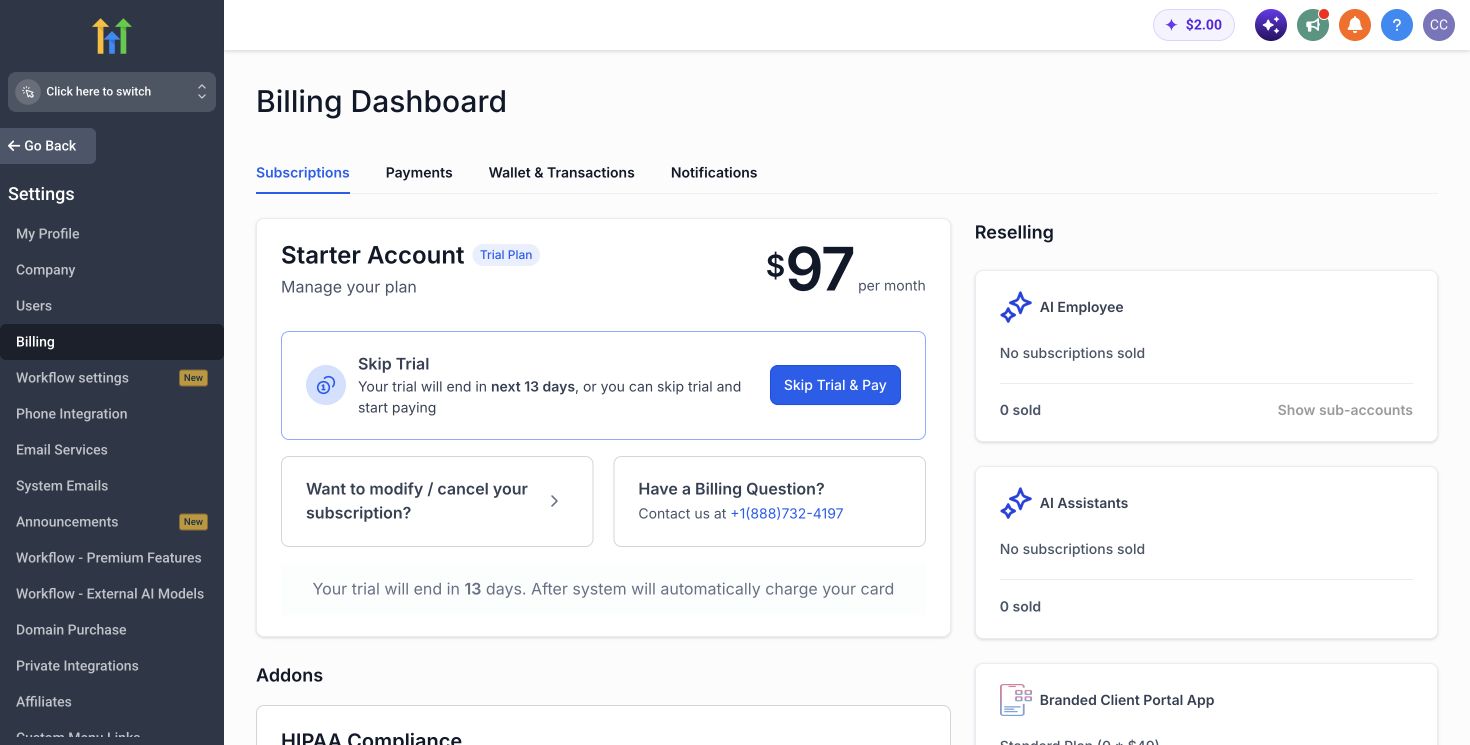
Add-ons can outweigh the plan difference
HighLevel currently lists AI Employee Growth at $50 per sub-account and Unlimited at $97. It also publishes separate prices for products such as the branded client portal app, dedicated email IPs, WhatsApp and SEO.
Do not enable every option across every account. Assign an owner, a client, an expected result and a rebilling rule to each add-on before activation.
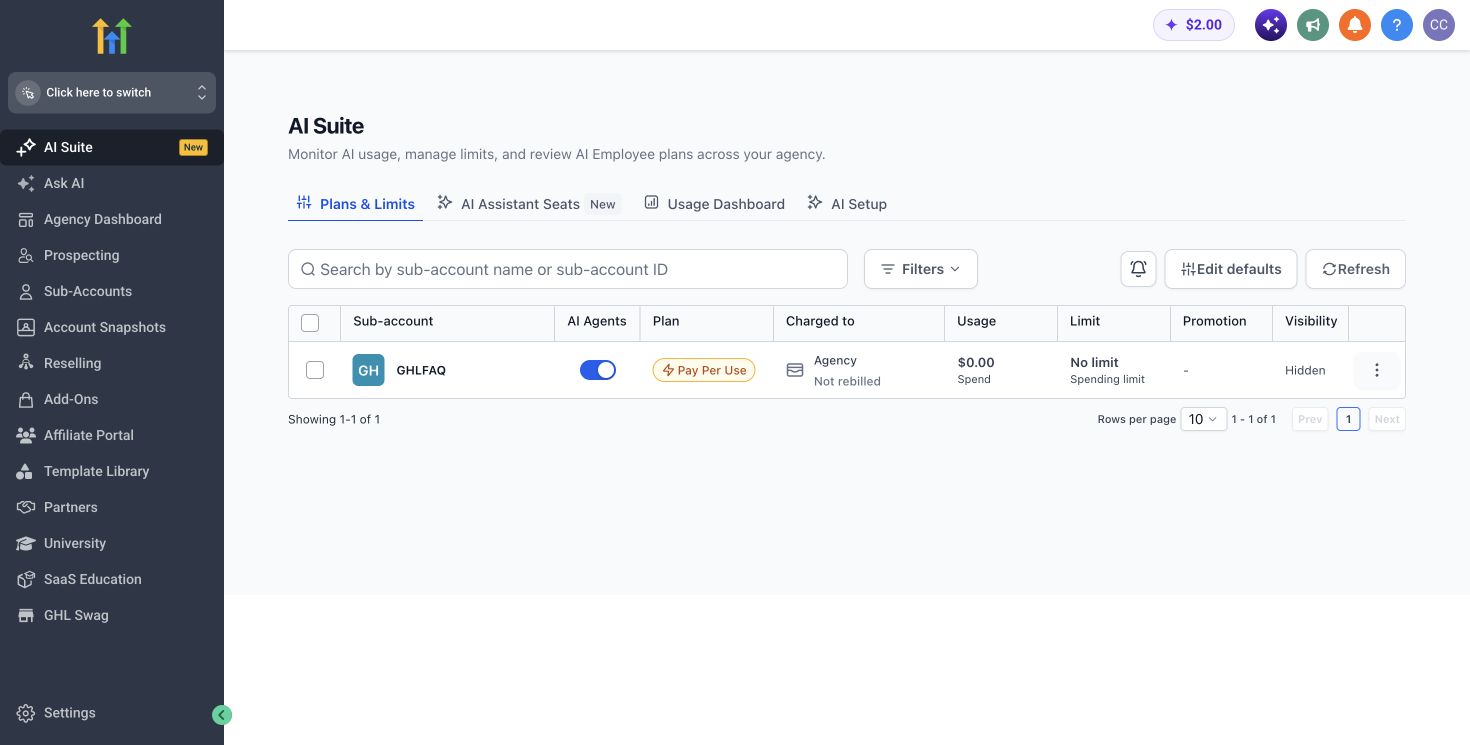
Build the budget in four separate layers
A useful HighLevel budget separates fixed access, variable usage, recurring options and one-time implementation. Mixing those categories hides the reason a total changes. It also makes it difficult to decide which costs should be absorbed by the agency and which should be passed to a client.
Start with the plan. Add only the products that a named workflow requires. Estimate wallet usage from an existing month of email, SMS and calling activity when possible. Finally, price the labour needed to clean data, rebuild automations, configure domains, test deliverability and train the people who will operate the system.
The practical monthly comparison is: plan plus recurring add-ons plus expected wallet usage, compared with the subscriptions and labour that can genuinely be removed. Keep implementation separate, then divide it over the evaluation period when calculating payback.
- Fixed access: Starter, Unlimited or Agency Pro
- Variable activity: messaging, calls, phone numbers and other wallet-funded services
- Recurring options: only the products assigned to an active use case
- Implementation: migration, configuration, quality assurance and training
Model a low, expected and high case
A single estimate creates false precision. Build three scenarios instead. The low case assumes conservative adoption and minimal usage. The expected case reflects the clients and workflows you can realistically activate in the next twelve months. The high case adds growth, higher communication volume and the options likely to be enabled after launch.
This range shows whether the decision remains acceptable when activity changes. If HighLevel is attractive only in the lowest-cost scenario, the business case is fragile. If the expected case works and the high case can be funded through client revenue or documented savings, the decision has more resilience.
Use the same period for both sides of the comparison. A twelve-month model is usually long enough to include setup and short enough to expose weak adoption. Add twenty-four and thirty-six month views only after the assumptions for client retention, staffing and software replacement are explicit.
Count a saving only when the old cost can be removed
Feature overlap is not the same as a realised saving. A tool counts as replaced only when its required workflow has been rebuilt, tested, accepted by the operator and removed from the budget. During migration, both systems may run in parallel. That temporary overlap belongs in the implementation case.
Some specialist products should remain. A team may keep an accounting platform, a mature support desk, specialist analytics or a delivery tool even when HighLevel covers part of the same territory. The correct comparison is HighLevel plus the retained stack, not HighLevel against every current subscription.
Labour savings deserve the same discipline. Automation does not create a cash saving unless it reduces contractor spend, avoids a planned hire or releases capacity that can be sold. Record the owner and the measurable change before including labour in the return calculation.
- Replaced: the old subscription can be cancelled after validation
- Partially replaced: some seats or usage can be reduced
- Retained: the specialist capability remains necessary
- Unproven: overlap exists, but no tested migration decision has been made
Translate the platform bill into client economics
For an agency, total cost matters less than cost per active paying client and the margin left after delivery. Divide recurring HighLevel spend by the number of clients who actually use the operating model. Do not include prospects, dormant sub-accounts or accounts that have not completed onboarding.
Then compare that cost with the gross monthly revenue attached to the service. If software is bundled into a retainer, define the portion of revenue that supports the platform and ongoing administration. If software is sold separately, include payment fees, support time, failed payments and expected churn rather than treating the listed price as margin.
Agency Pro can improve unit economics when SaaS Mode and marked-up usage are part of a tested offer. Without that revenue mechanism, the extra plan cost is simply overhead. Name the offer, price, eligible client segment and account owner before using future resale revenue to justify an upgrade.
Annual billing saves cash only after fit is proven
The official pricing page lists annual prices equivalent to ten monthly payments. That saving is attractive only when the implementation has already survived a representative workflow and the team is using the product consistently.
A short controlled rollout usually protects more money than an early annual discount. Validate one client journey, document exceptions, then decide whether the commitment is justified.
Use a break-even gate before upgrading
The move from Unlimited to Agency Pro adds a fixed monthly cost. Recover it with a current, measurable mechanism such as software revenue, usage margin or labour removed through automated account provisioning. A possible future package is not enough.
Set a gate in advance. For example, remain on Unlimited until the signed monthly contribution from the SaaS offer covers the plan difference and its incremental support cost. Review the gate using retained clients rather than new signups alone, because churn can make an apparently profitable acquisition channel unprofitable after support and onboarding.
The calculator provides a directional break-even estimate. Treat it as a planning model, not a quote. Replace every default with your invoices, expected client count and realistic usage before using the result in a purchasing decision.
A simple pricing decision rule
Choose Starter for one business or a very small number of locations. Choose Unlimited when multiple client accounts and repeatable delivery are the reason for buying. Choose Agency Pro only when automated account creation, SaaS Mode or marked-up rebilling has a commercial owner.
Use the cost calculator to combine subscription, add-ons, wallet spend and implementation. Then compare the result with the tools and labour the platform can realistically replace.
This guide is based on published HighLevel pricing and a transparent cost model. It is not yet labelled as a hands-on billing test. GHLFAQ will add original screenshots and controlled account observations only after they are captured in an authorised test environment.
Primary sources
Pricing and product scope change. We verify commercial facts against official pages before each update.
Bottom line