Day 1: define ownership and guardrails
Name an account owner, document administrator access and decide who approves domains, phone numbers, messaging and billing. Create a clean test location before touching a live client account.
Write the single journey you will implement, including its trigger, desired outcome and exception path.
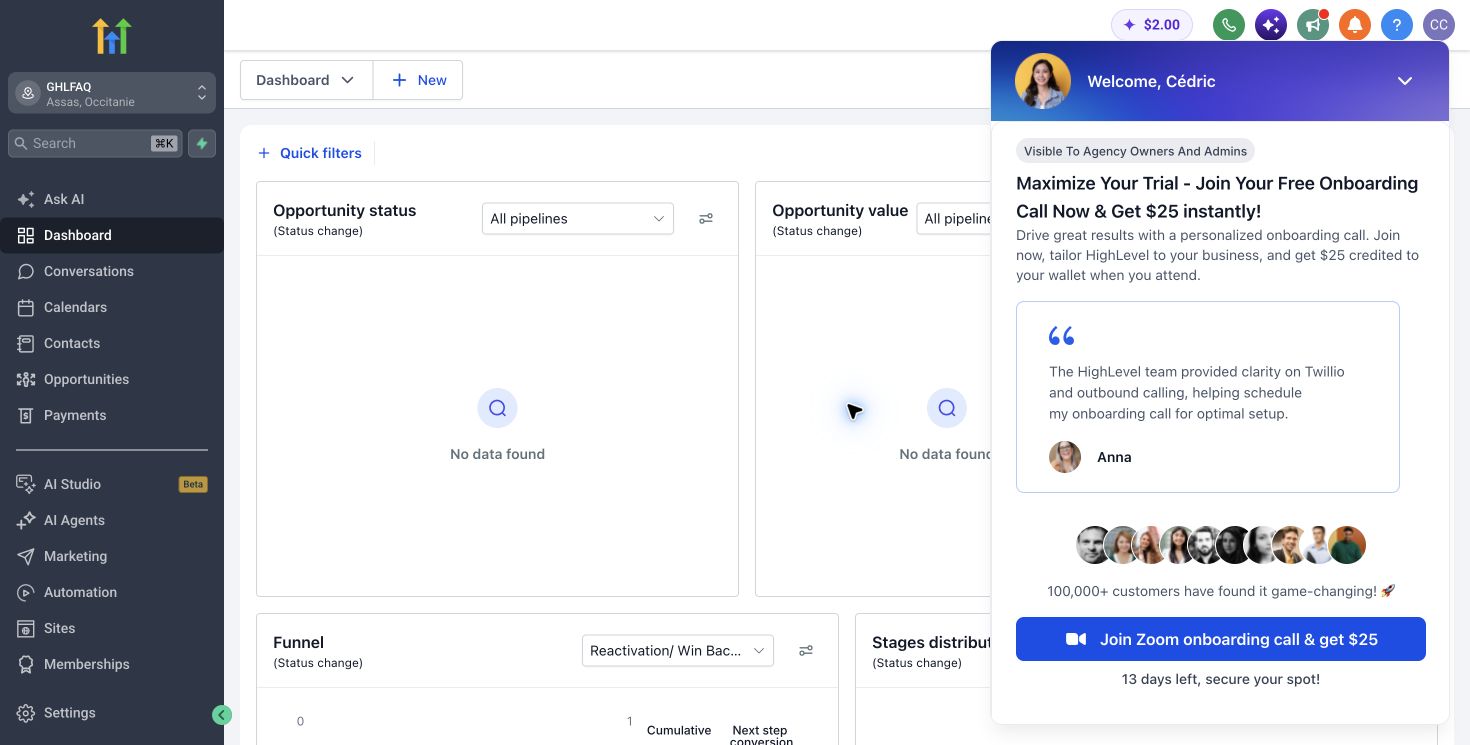
Days 2 to 4: build the minimum working journey
Configure the pipeline, form or calendar, the first follow-up workflow and the notifications required by the operator. Use test contacts and verify every state change before importing production data.
Keep design work minimal. A reliable plain workflow creates more value than a polished portal with no operational owner.
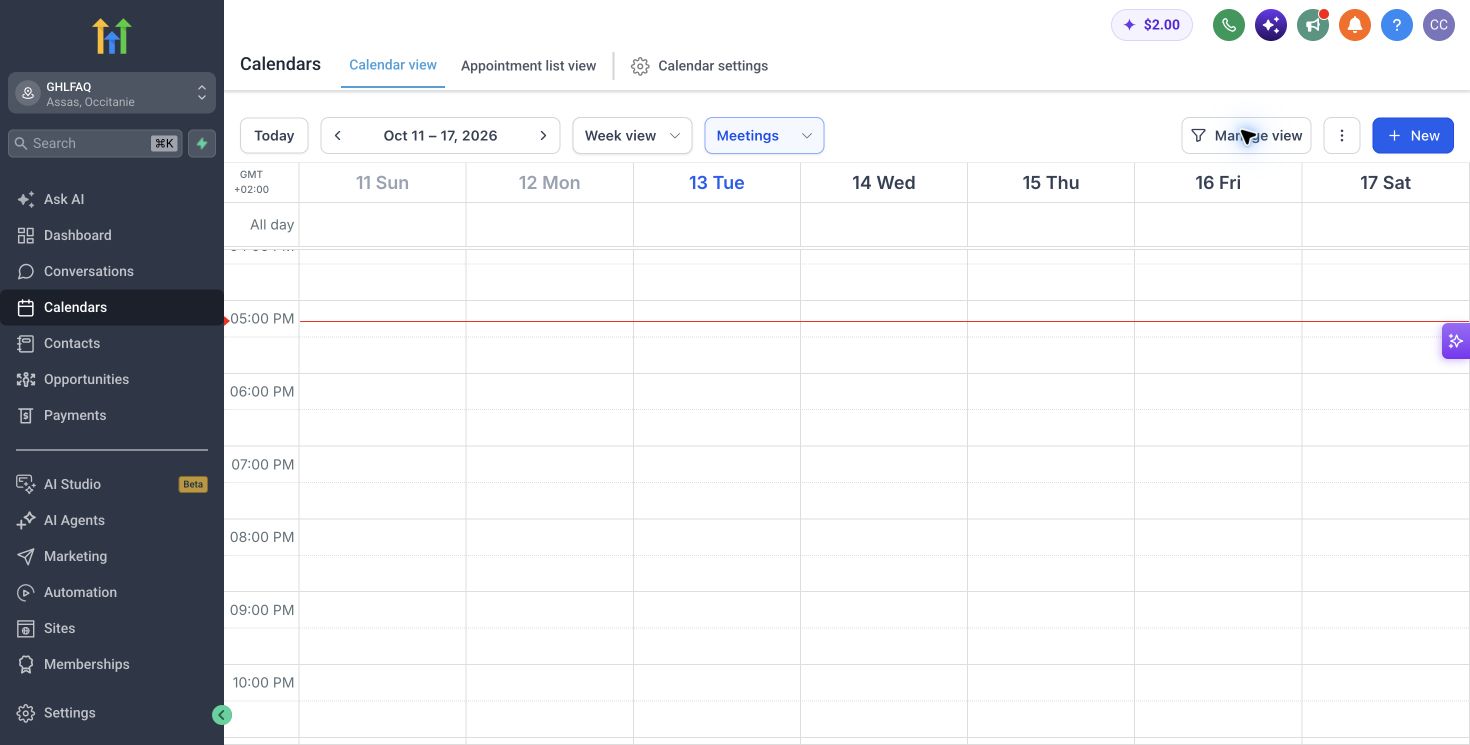
Days 5 to 7: hand over and observe
Give the workflow to the person who will use it. Watch where they hesitate, which fields they ignore and how they recover from an error. Turn recurring questions into a checklist or short internal guide.
Only after the path is stable should you save reusable components, expand automation or roll the setup into more accounts.
Define activation in operational terms
A login is not activation. Use an outcome such as the first correctly routed lead, the first booked appointment with follow-up, or the first client account created from a controlled template.
This definition makes onboarding measurable and gives your support process a clear finish line.
Primary sources
Pricing and product scope change. We verify commercial facts against official pages before each update.
Bottom line