Automation
What can HighLevel workflows automate?
What workflows can coordinate
A workflow starts with a trigger and applies timed or conditional actions. Common uses include lead routing, appointment reminders, pipeline updates, notifications, nurture sequences and reactivation.
Turn this part of the decision into a written acceptance test for “What can HighLevel workflows automate?”. Record the baseline, expected change, named owner and evidence required to approve it. The test should cover trigger evidence, filters, re-entry, stop conditions, paid actions, exceptions and recovery. Use representative records and normal operating volume, not an ideal demonstration account. Record assumptions separately from verified behaviour so a pricing or product change can be reviewed without rewriting the conclusion.
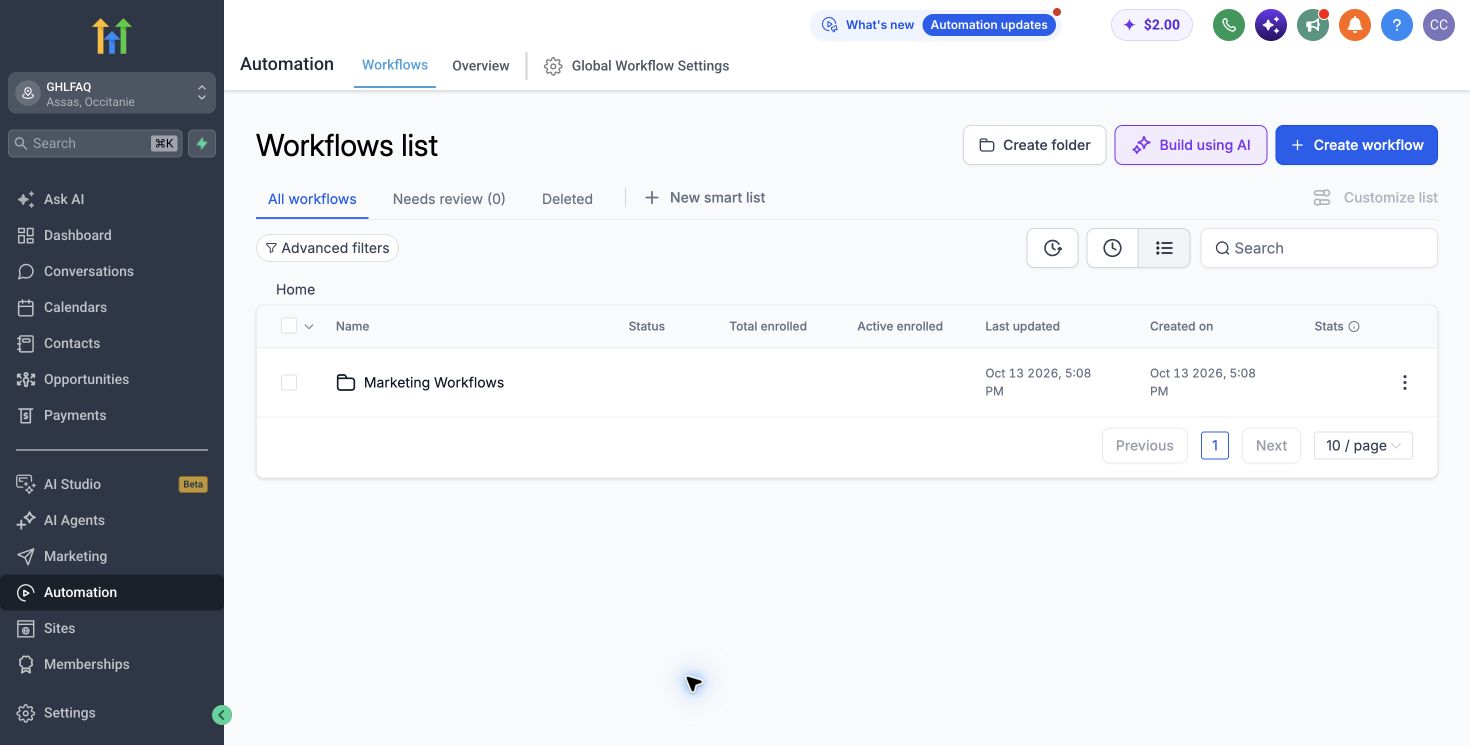
Design one observable journey
Automate one observable journey at a time. Add exit conditions, ownership, error handling and a test record before increasing volume. Premium and AI actions can have separate usage charges.
Test the recommendation with a normal case, a high-volume case and one failure case. For this question, the review should include trigger evidence, filters, re-entry, stop conditions, paid actions, exceptions and recovery. Assign every exception to a person, define the response time and preserve a safe manual route. Capture the actual time, cost and outcome. If the process succeeds only with builder intervention or perfect data, it is not ready for wider deployment.
Control cost and irreversible actions
Separate reversible actions from high-risk ones. Sending a message, charging a card, creating duplicate opportunities or changing access can affect customers and cost. Add durable state checks, frequency limits, approval where appropriate and an explicit stop path before those actions run.
Define ownership and exceptions
Name an operational owner and define the exceptions that require a person, such as replies, missing data, failed delivery, payment errors and conflicting appointments. A workflow is not complete when the happy path works; it is complete when failures are visible and recoverable.
A production decision rule
Publish only when the trigger, outcome, cost, consent, exit conditions and monitoring are documented and tested. Start with a controlled cohort, compare actual history with expected results and expand only after the workflow produces the intended business outcome without unexplained exceptions.
How to verify this answer
What we checked
The answer is checked against the primary sources listed below and distinguishes published product facts from our operational judgement.
What can vary
Availability, limits, usage charges and interface details can vary by plan, country, account configuration and release date.
What to test yourself
Reproduce the recommendation with one representative workflow and your own data before changing a live system or buying annually.
Sources checked
Product capabilities and prices can change. These primary sources were checked for this analysis.
GHLFAQ